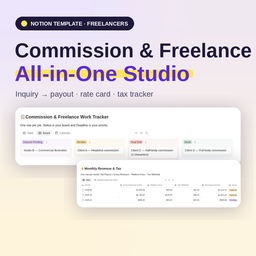
Commission & Freelance
All-in-One Studio
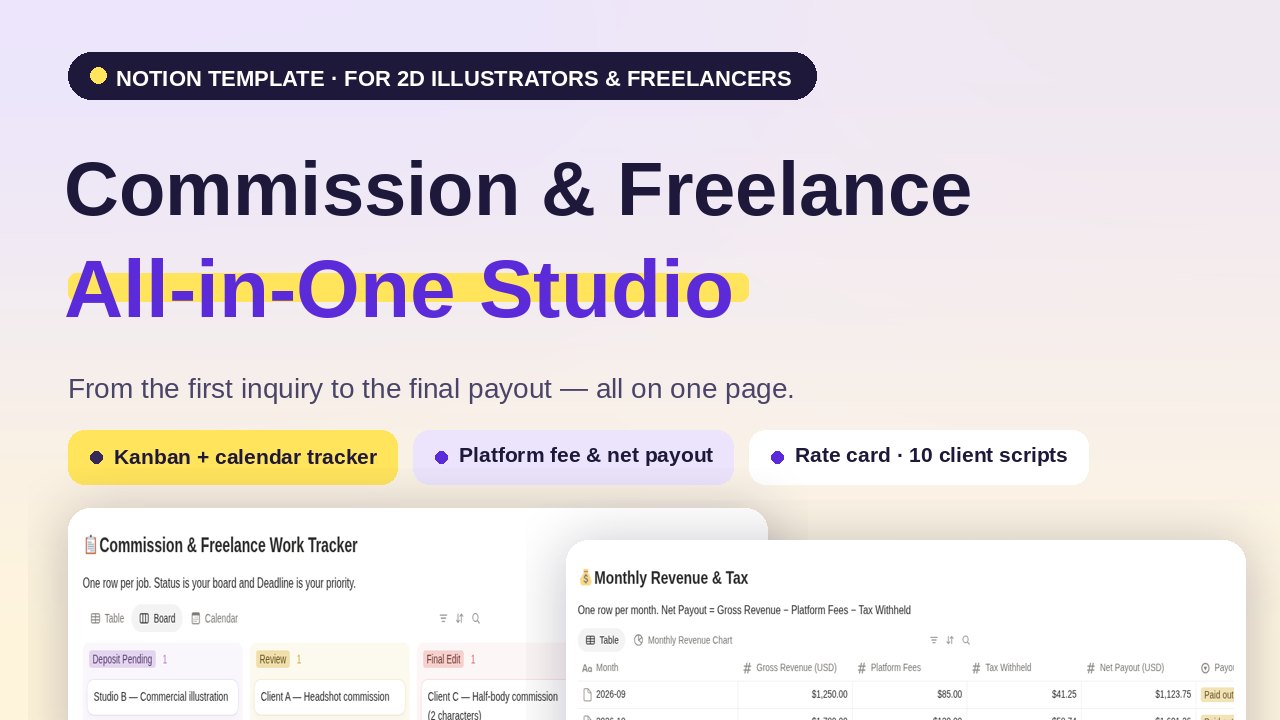
A Notion workspace for working illustrators. Track every commission from inquiry to final delivery, see what is due this week, and know what actually reached your bank account after fees and tax.
Instant duplicate link · One-page PDF buyer guide · Duplicate into your own Notion in a minute
Three things break the moment commissions pile up
Who is at which stage. What is due this week. And how much actually reached your bank account — after the platform took its cut and tax was withheld. This isn't a productivity guru's template: it's the studio a freelance 2D character illustrator actually works in, cleaned up so a first-time commission artist can start on day one.
Four parts that do the boring work
Everything is already linked and calculated. Add a row, move a card, and the sheet keeps up.
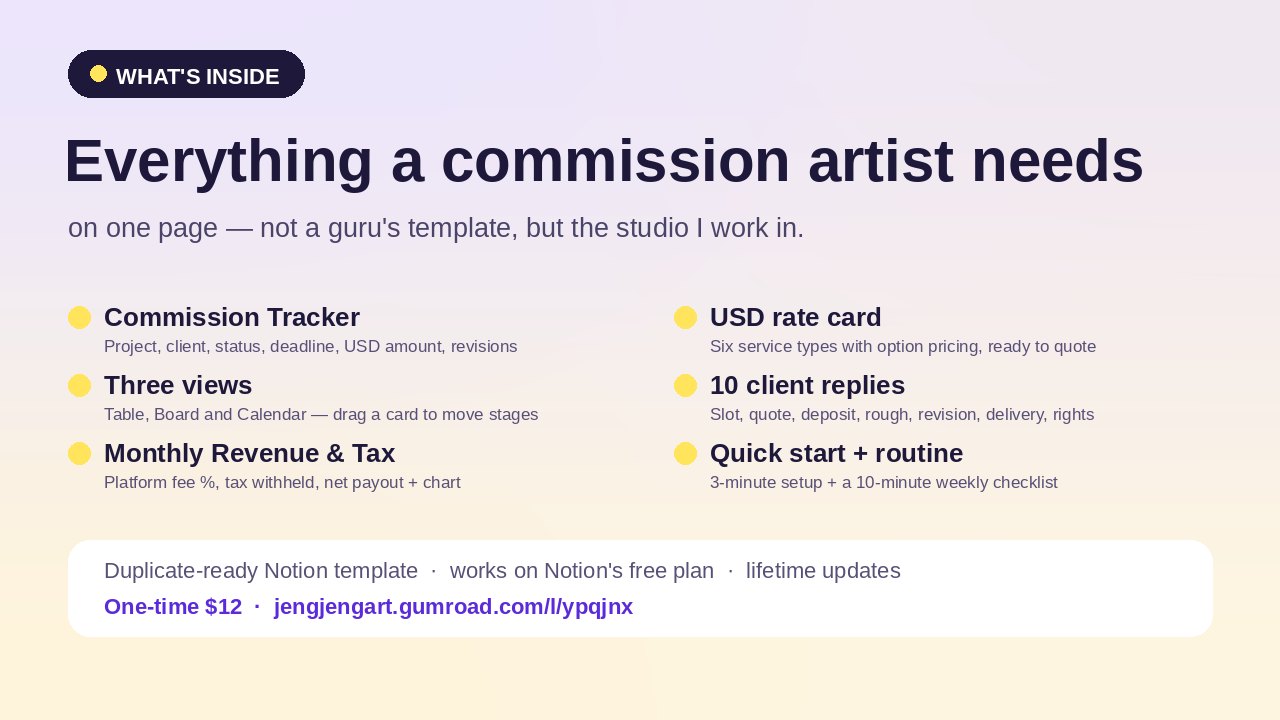
Commission Tracker
Project, type (headshot / bust / half-body / full-body / freelance / merch), client, status, deadline, amount in USD, deposit or balance paid, priority and revision count.
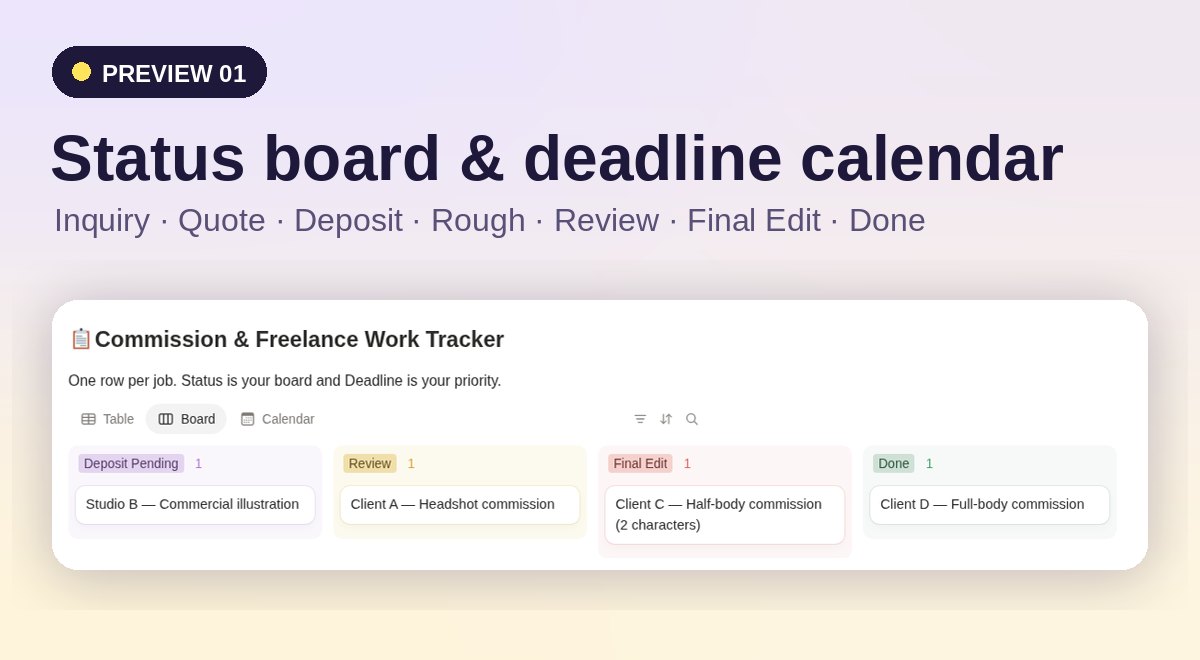
- Board view — drag a card to move stages
- Calendar view — every deadline at a glance
- Table view — save your own filters
Monthly Revenue & Tax
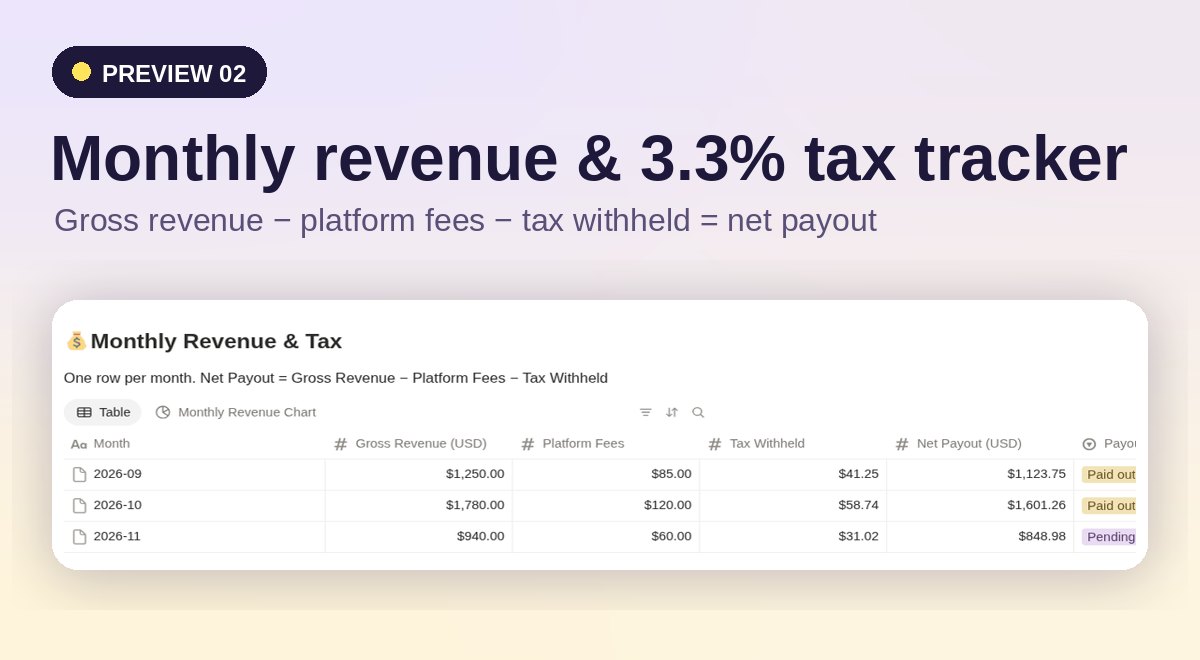
Gross revenue, platform fee %, tax withheld and net payout in one row per month, with a revenue chart that draws itself.
- Tax Withheld and Net Payout are formulas
- Enter the month once — the sheet does the arithmetic
- See your take-home, not just your invoice total
USD Rate Card
Six service types with option pricing, ready to quote from — so you stop re-deciding your prices on every inquiry at 1 a.m.
- Commercial and personal-use columns
- Option add-ons (extra revision, rush, background)
10 Ready-to-Send Client Replies
Slots, quotes, deposit, rough confirmation, revisions, refund, delay, delivery, second-use rights and posting — written once, sent a hundred times.
- Copy, fill the brackets, send
- Same tone in every thread
Three moves, every day
An inquiry arrives
Add one row. Pick the commission type, paste the deadline and the quoted USD amount.
Move it along
Inquiry → Quote → Deposit Pending → Rough → Review → Final Edit → Done. Drag the card; the board keeps the history.
Read your payout
At month end add one row to Monthly Revenue & Tax and see the number that actually landed.
The actual pages
Sample data is fictional — delete the rows and add your own.
One price, no subscription
Pay once on Gumroad. Yours to duplicate and keep.
- Instant Notion duplicate link — works on the free plan
- One-page PDF buyer guide: link, quick start, licence terms
- Free fixes for broken files (90 days)
- 10-minute weekly routine checklist included
Secure checkout on Gumroad · Digital product, final once the link is delivered
Questions before you duplicate
Do I need a paid Notion plan?
No. The template is built to work on Notion's free personal plan. You duplicate it into your own workspace and keep it there.
How do I get the template after paying?
Gumroad gives you the duplicate link and a one-page PDF guide straight away. Duplicating takes about a minute.
Is the tax part tax advice?
No. The tax fields are a calculator: you enter what was withheld or the percentage and it works out the net payout. How you file is up to you and your accountant.
Can I change it?
Yes. Every view, property and formula is editable, and the sample rows are fictional placeholder data you can delete. Reselling or redistributing the template itself isn't allowed.
Your commission studio, in one Notion page
Stop re-counting deadlines on Monday and guessing your payout on the 30th. Duplicate it and add your first row.